Scorecard entry is the starting point of your use of the Tracer system. Tracer is set up to make scorecard entry as easy as possible, whilst also ensuring that the data captured is accurate and reliable.
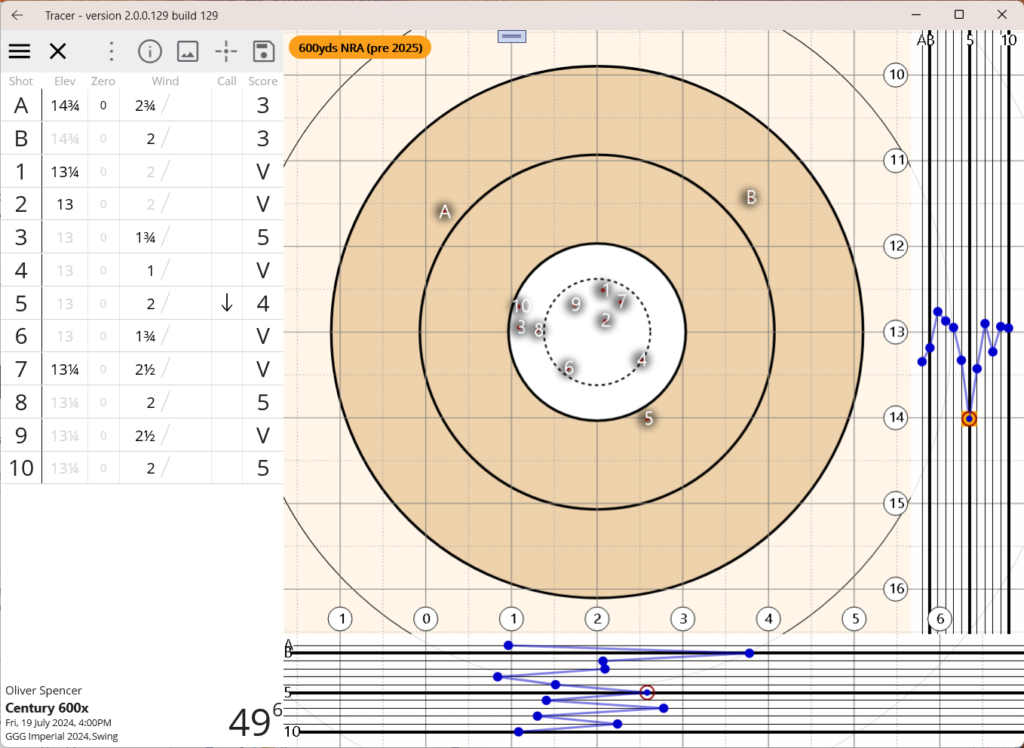
Scorecard entry involves the following main steps:
- Set up a new scorecard, including the event name and date, target type you’re shooting on, form of fire and som initial elevations
- Take a photo of your paper scorecard, which will be used to create your digital scorecard
- Plot the shots and shoot data, including shot location, elevation, windage, calls etc.
- Save the scorecard to your device
- Synchronise your device with the server to allow the scorecard to be viewed on any other devices you may have, or to share it with others if you wish.